Exploring the game
To build our mod, we first need to find out some some useful pieces of information about the game systems, properties, objects, settings and values. For example, if our goal is to modify how “oxygen” is handled in the game, we first have to find out more about how the game manages this property and how the value is modified and monitored.
Using UE4SS
The UE4SS mod that you installed earlier is also fundamental to exploring the game and finding values and code that you might want to change.
Having installed the mod you can launch the game and you’ll see the UE4SS main window. I like to drag this over to my second monitor, so that I have the main game running on my primary screen, and can refer to the UE4SS window on the other.
Using FModel
Having configured FModel to point to Subnautica 2, you should now see something like this:
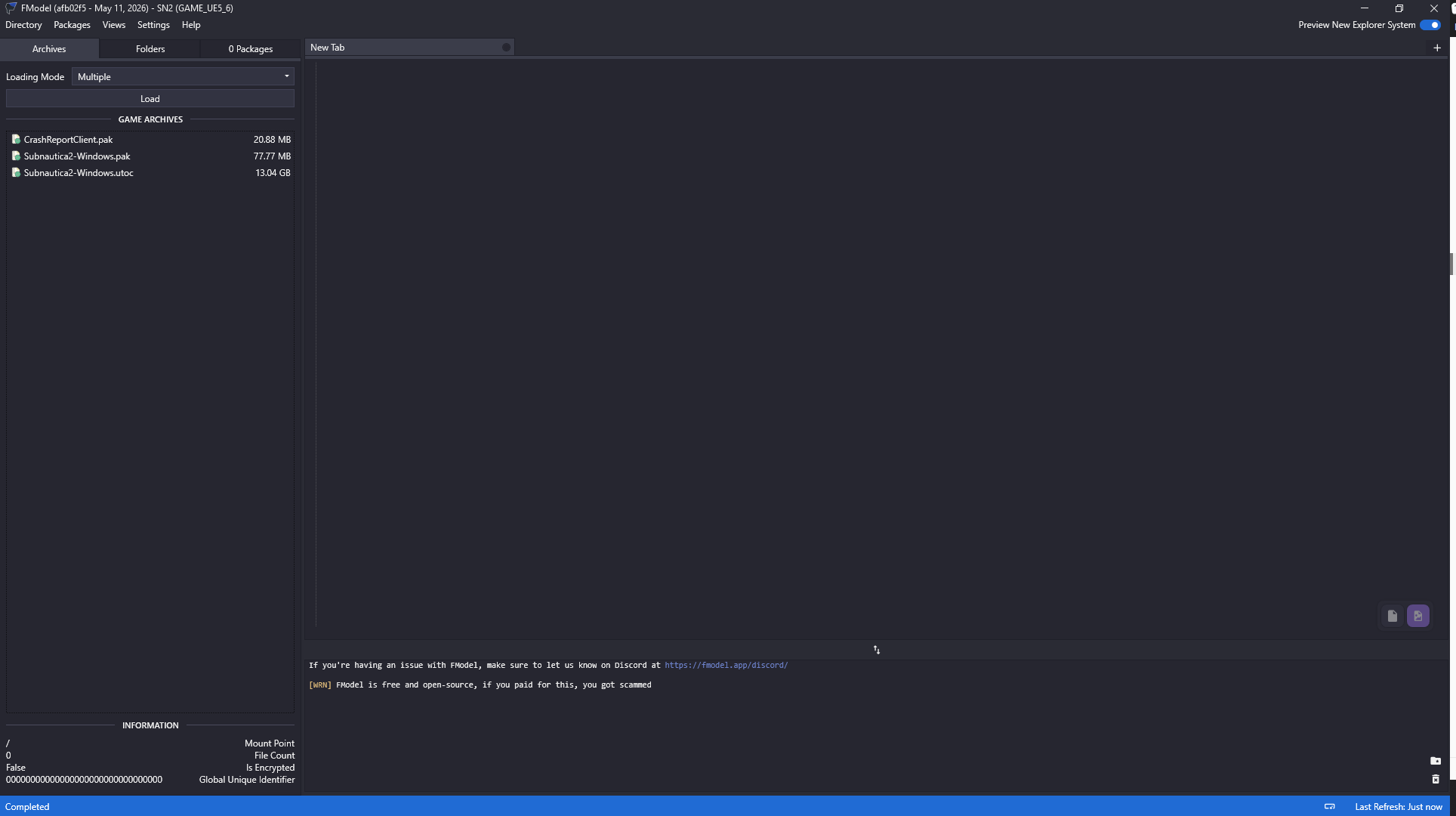
As the game is built using Unreal 5.6, we’re interested in the “utoc” file, so double click that.
Expand “Subnautica > Content” and you’ll start to see some of the content and components that make up the game.
Blueprints are UE components that encapsulate game logic, acting like a high level equivalent of code.