Daft Apple Building Tools
Daft Apple Building Tools provides editor windows, editor tools, and run-time components to allow quick, consistent configuration of building assets in a Unity project. Features include consistent configuration of mesh renders, setting up efficient and effective lighting, fixing colliders and aligning props on the terrain, automatically adding working doors, and mesh optimisation. The package comes with pre-sets and examples for configuring the excellent 3D Forge village assets with specific presets for each of the 3 Unity render pipelines. Everything is extensible and configurable and you are encouraged to create your own presets and make the most out of the tools for your particular project and use cases.
You can find a short video showcasing the main features of the package on my YouTube channel.
Important
Third party assets are not required to use the tools in this package. No unlicensed 3rd party assets whatsoever are included in either the package or the samples. 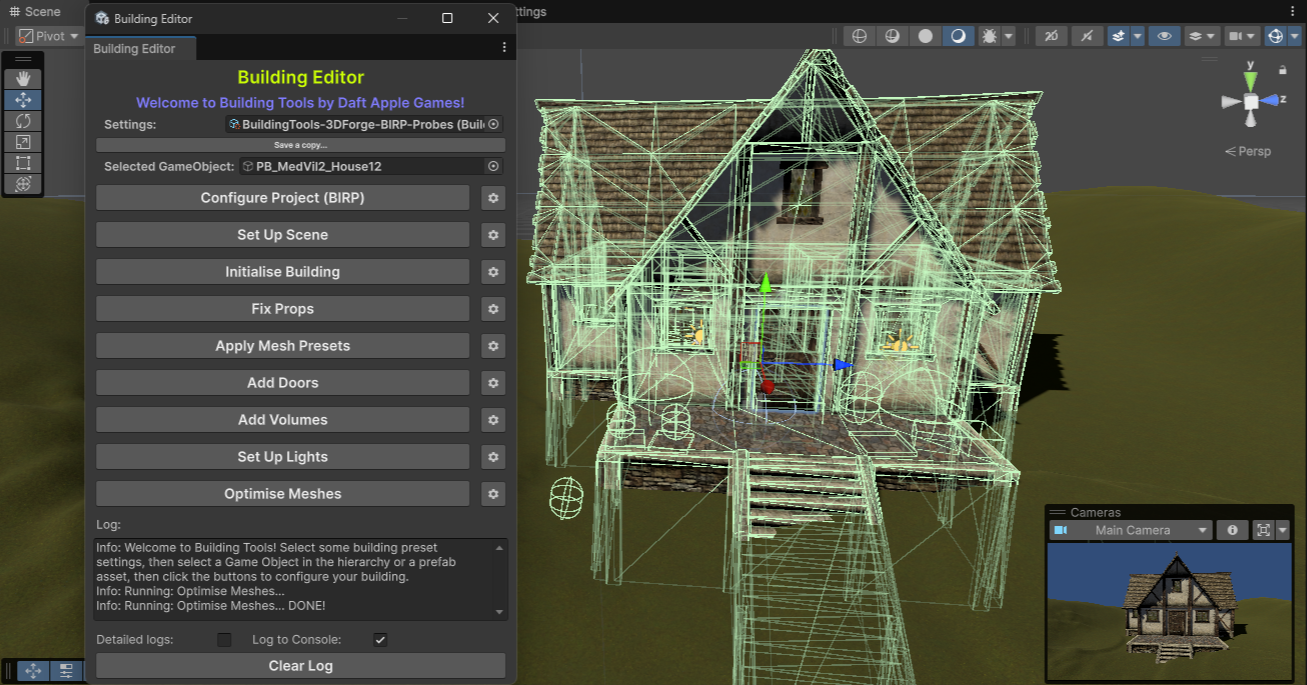
Important
Building Tools is supported in Unity 6 LTS ONLY! A number of useful changes came into Unity 6 and I’ve made use of these where possible in this package. I have tested in Unity 6 ONLY and would expect compilation errors and general failures if used with an earlier version of Unity.
Support
Limited support for these tools will be provided via Issues in the GitHub repository.
Important
This package, and Daft Apple Games, are in no way affiliated with 3D Forge. Please do not ask them for support for these tools!